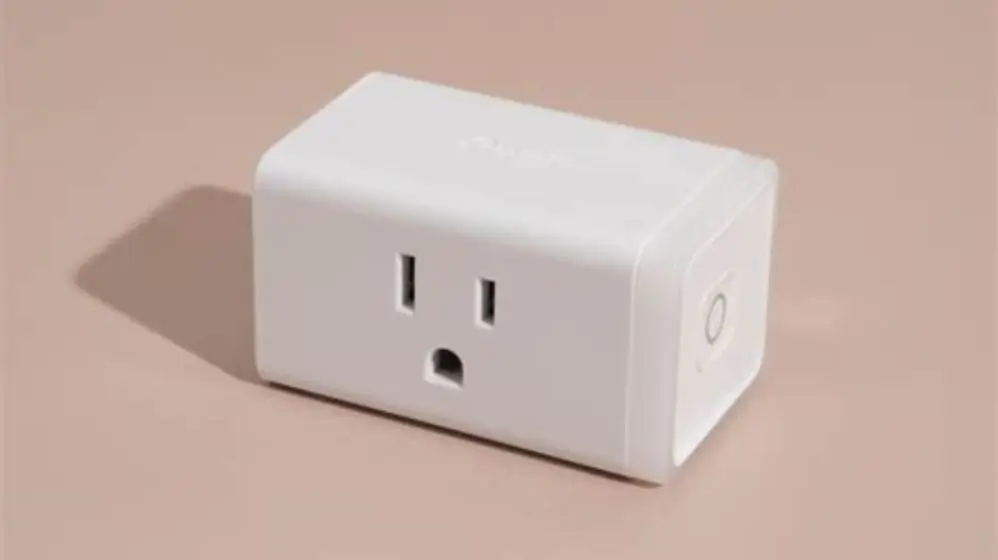
Smart plugs often show 0.5-3 watts when devices are off due to normal standby power or meter rounding. This does not always mean a fault. Testing by unplugging or disconnecting helps confirm if the reading is genuine standby or a device fault.
On this page
- Quick recap
- Why smart plugs show watts when devices are off
- What watt levels indicate standby consumption
- How to tell if the reading means a fault or normal standby
- Standby draw, phantom loads and meter resolution effects
- How to test smart plug watt readings with load removal
- What watt levels mean for your energy bills and retrofit choices
- Quick questions
Part of our guide on how to monitor home energy usage
Quick facts
- Typical standby wattage
- 0.5-3 W
- Fault indication wattage
- >5 W
- Smart plug resolution
- 0.1-0.5 W
- Phantom load cause
- Internal device circuits
- Test method
- Unplug device
Quick recap
- Smart plugs often read 0.5-3 watts when device off due to standby power.
- Meter rounding or resolution can display small phantom loads inaccurately.
- Standby consumption varies by device type and model, check manuals.
- Unplug device or remove from smart plug to test if reading persists.
- High readings over 5 watts when off usually indicate a fault or device issue.
Why smart plugs show watts when devices are off
Smart plugs often display a small power usage reading even when the connected device is turned off. This typically ranges from 0.5 to 3 watts. This reading usually represents the device’s standby power consumption, sometimes called phantom load.
Modern electronics use standby power to maintain clocks, sensors, remote controls, or network connections. For example, a digital TV box or a smart speaker uses a few watts even when not active to keep ready.
Another reason is the resolution or rounding of the smart plug’s power meter. Many affordable plugs measure power in steps of 0.1 to 0.5 watts. This scale means small or intermittent draw may show as fluctuating readings even if the device is truly off.
Some devices also draw current intermittently, causing fluctuating wattage readings. This can confuse users into thinking power is being used continuously. We cover expected duration for energy switch in its own article.
You should not worry about a reading below 3 watts on most devices. This aligns with UK standby power expectations where appliances can consume up to 5 watts in standby legally.
Some smart plugs show a small wattage even when there is no device connected. This can happen because the plug itself consumes a tiny amount of power to maintain its wireless connection or display. For example, a smart plug with Wi-Fi capability might use around 0.2 to 0.5 watts continuously.
Electrical noise or interference in the home wiring can also cause minor fluctuations in the smart plug’s readings. This noise can register as a few tenths of a watt, especially in cheaper models without strong filtering. That is another reason why some plugs show a reading even with no load. It helps to understand limitations of smart meter technology before going further.
What watt levels indicate standby consumption
Devices with typical standby consumption register between 0.5 and 3 watts. This depends on the device type, age, and features. Simple devices like clocks or lamps with remote controls typically use under 1 watt.
More complex devices with network features or displays, like smart TVs or game consoles, often draw between 1 and 3 watts when off. Some newer models are better optimised and use less standby power.
If your smart plug shows consistent wattage below 3 watts, it usually means your device is drawing standby power rather than faulty behaviour. Occasional spikes up to 5 watts can happen but sustained readings over 5 watts suggest other issues. If that sounds like your situation, read up on can a solar generation meter track export during low irradiance next.
Standby power can add up across multiple devices. A typical UK household spends around 5-15% of electricity on standby consumption annually. Reducing this saves energy and improves your EPC rating.
Smart plugs with higher measurement resolution (0.1 W) allow you to spot subtle standby loads more accurately. Lower resolution meters round readings and can mask small phantom loads.
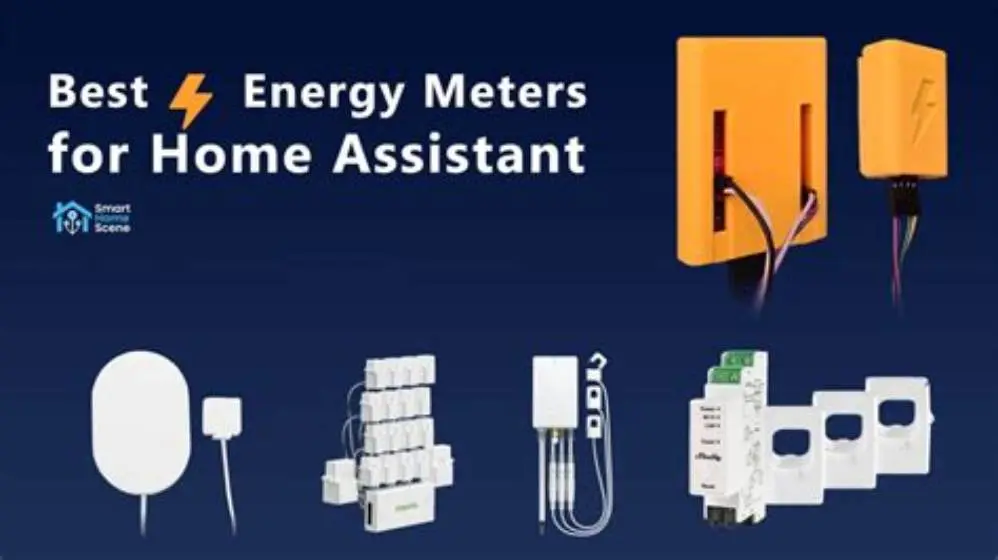
Older or poorly designed devices tend to have higher standby power use, sometimes 3 to 5 watts or more. For instance, older DVD players or routers often draw 4 to 5 watts while off. Such devices are worth targeting for replacement or unplugging to save energy. We cover best energy monitor for Home Assistant in its own article.
In rare cases, standby consumption can spike temporarily due to device features like battery charging or wake-on-LAN signals. These spikes might show as short bursts on the smart plug, reaching 5 to 10 watts for a few seconds before returning to normal standby levels.
Devices that include displays or LED indicators tend to have slightly higher standby draws. For example, a cable box with a front display might draw closer to 2.5 or 3 watts, compared to simpler devices without lights.

How to tell if the reading means a fault or normal standby
To figure out if your smart plug’s wattage reading means a fault or normal standby, start a simple test. First, turn off the device fully via its power switch or remote control. Before you commit to anything, it is worth looking at monitor washer dryer power use.
Next, unplug the device completely from the smart plug or mains. If the smart plug still registers watts when empty, the plug itself may be faulty or showing meter noise.
If the reading drops to zero after unplugging, the device is drawing that power in standby as expected. If the reading remains above 3-5 watts when the device is off but plugged in, it may signal a fault in the device’s power supply or circuitry.
Some devices with rechargeable batteries or internal clocks will always draw a small load. If you see unusually high or constant power use when off, test with another smart plug or power meter to confirm accuracy.
Replacing a faulty device or switching to a low-standby model can save money on energy bills and improve your home’s energy efficiency rating.
One way to confirm if a reading indicates a fault is to monitor the smart plug over time. If the wattage fluctuates wildly or remains constantly high (over 5 watts) when the device is off, that suggests a problem.
A faulty power supply inside a device might cause constant high standby draw. For example, a laptop charger left plugged in but not connected to a laptop can sometimes draw 6 or 7 watts due to a fault.
If you suspect a fault, try resetting the device or unplugging it overnight. If the reading resets to normal standby levels, the fault may be intermittent. Otherwise, professional repair or replacement might be necessary.
- Turn device off using its own control.
- Observe smart plug wattage reading.
- Unplug device from smart plug.
- Check if smart plug reading drops to zero.
- If reading persists, test with another meter or plug.
- Consider device fault if high standby reading remains.
Standby draw, phantom loads and meter resolution effects
Standby draw refers to the continuous, low-level power devices consume while off but still plugged in. Phantom loads are similar, usually describing small, unseen energy losses in standby mode.
Smart plugs display real-time power consumption, but their accuracy depends on resolution and calibration. A meter that measures power in 0.1 or 0.2 watt increments can detect small standby loads more precisely.
Some smart plugs with lower measurement resolution or cheaper sensors may round up small consumption to the nearest 0.5 or 1 watt. This rounding effect can create phantom wattage readings even if the device draws near zero.
Some smart plugs experience noise or power factor issues, causing fluctuating or inaccurate wattage display. This is normal for inexpensive models but can confuse users trying to diagnose standby power.
Higher-end smart plugs or stand-alone energy monitors use better sensors and can give more stable readings, helping you differentiate real consumption from measurement noise.
Small, rapid fluctuations in the smart plug’s watt readings can result from the device’s internal power supply switching on and off. For example, a device with a switched-mode power supply may pulse power in bursts, causing the meter to jump between 0 and 2 watts.
Meter resolution also affects how steady the readings appear. A 0.5 watt resolution meter might jump from 0 to 0.5 watts even if the actual consumption is 0.2 watts, giving the impression of flickering power use.
Some smart plugs correct for power factor, which affects how they calculate wattage. Devices with low power factor can cause the smart plug to report slightly higher or less stable readings than actual energy use.
How to test smart plug watt readings with load removal
Testing smart plug readings by removing the load is the most direct way to understand what the watts mean. Follow these steps to isolate standby power from faults or errors.
Start by noting the wattage reading while the device is off but plugged in. Next, unplug the device completely from the smart plug socket. The reading should drop to zero or near-zero.
If the reading stays above zero, the smart plug may have internal consumption or measurement noise. Testing another smart plug can verify this.
If the reading drops but returns when the device is plugged in, the device is drawing standby power. If the reading is high (above 5 watts), suspect a fault or unusual standby behaviour.
Repeat the test with other devices to build a sense of typical standby draws for your household. This helps identify problematic devices worth replacing or unplugging to save energy.
When performing the load removal test, make sure the smart plug is plugged directly into the wall socket, not through an extension or power strip. Extensions can introduce interference affecting readings.
Try using the smart plug’s app or display to record average power consumption over a period (e.g., 5 minutes) rather than relying on instant readings. This reduces confusion caused by momentary spikes or drops.
If the device has batteries, removing the plug alone may not stop power draw. Some devices draw power to maintain battery charging circuits even when unplugged, which will not appear on the smart plug but is worth considering.
- Record smart plug watt reading with device off and plugged in.
- Unplug device from smart plug.
- Observe smart plug wattage reading changes.
- Test with another smart plug if reading does not drop.
- Identify if standby power or fault based on wattage level.
What watt levels mean for your energy bills and retrofit choices
Standby power adds up. A device using just 2 watts standby consumes about 17.5 kWh yearly, costing roughly £3 at typical UK tariffs. Multiple devices multiply this cost.
Reducing standby loads helps lower bills and improves EPC ratings, important for grants and schemes like the Boiler Upgrade Scheme or ECO4 funding eligibility.
Smart plugs that clearly report standby usage help you identify energy wasters. Replacing devices with high standby consumption or unplugging them when not needed saves energy and money.
When planning whole-house retrofit or behaviour changes, factoring standby loads can guide whether to install smart sockets, upgrade appliances, or adjust usage patterns.
Use smart plugs with accurate measurement resolution and stable readings to get the best picture of your home's hidden energy consumption.
Standby power also impacts carbon emissions. A device consuming 2 watts of standby power continuously produces about 9 kg of CO2 annually, assuming UK average grid emission factors.
Energy-saving habits can cut standby costs, such as using smart plugs with timers or voice control to fully cut power overnight or when devices are unused for long periods.
Choosing devices with low standby power ratings (under 1 watt) can be an effective retrofit strategy. Some modern appliances advertise standby power below 0.5 watts, reducing hidden consumption significantly.
| Standby wattage (W) | Annual kWh used | Estimated annual cost (£) |
|---|---|---|
| 1 | 8.76 | £1.50 |
| 2 | 17.5 | £3.00 |
| 3 | 26.3 | £4.50 |
| 5 | 43.8 | £7.50 |
Quick questions
Can smart plugs show power usage when nothing is plugged in?
Yes, some smart plugs consume small power themselves or show meter noise. Check by unplugging devices and watching if the plug still shows wattage.
Is 1 watt of standby power significant for my energy bills?
One watt continuously uses about 8.76 kWh a year, costing roughly £1.50. Multiple devices add up fast, so reducing standby where possible saves money.
How accurate are smart plug wattage readings?
Accuracy depends on the plug’s sensors and resolution. Most hobby-level plugs measure in 0.1 to 0.5 watt steps, enough to spot typical standby consumption.
What devices usually have the highest standby power use?
Smart TVs, set-top boxes, game consoles, and networked audio systems tend to have higher standby draws, often 2-5 watts or more.
How can I reduce standby power in my home?
Unplug devices when not in use, use smart plugs to cut power fully, or invest in low-standby appliances. Some UK grants support such upgrades.