Noise on boost speed usually comes from mechanical vibration or disturbed airflow at high RPM. Check fan blades for imbalance, inspect motor and mounting tightness, and confirm power supply stability. These quick tests reveal if you can fix it or need an engineer.
On this page
- Quick recap
- Why noise appears only on boost speed
- How to inspect fan blades and motor at high speed
- When to check mounting and power supply for boost speed noise
- Whole house fan noisy only on boost speed: 3 checks to pinpoint the cause
- When to call an engineer for noisy boost speed fans
- How to inspect fan blades and motor at high speed safely
- Quick questions
Part of our guide on how mvhr units function
Quick facts
- Boost speed RPM
- usually 900-1200
- Fan blade imbalance
- causes vibration noise
- Motor mounting
- should be secure, no wobble
- Noise type
- rattling, whirring, humming
- Best tool
- multimeter for power check
Quick recap
- Noise only on boost points to high-speed issues
- Check fan blades and motor for dirt and damage
- Mounting looseness often worsens noise at boost
- Power supply dips can cause motor strain noises
- Call an engineer if mechanical fixes don’t help
Why noise appears only on boost speed
Whole house fans run at lower speeds with minimal noise. Boost speed raises the motor rpm typically between 900 and 1200 revolutions per minute. At this higher speed, mechanical vibrations amplify and airflow patterns shift. That’s why noise often appears only on boost.
Fan blades that are slightly unbalanced or have dirt buildup create more vibration at high speed. The motor bearings and mountings also experience greater stress, making any looseness louder. The airflow moving faster may hit obstructions differently, creating extra humming or whistling.
Noise depending on boost speed means the problem is tied to conditions unique to high rpm. It is unlikely to be wiring or control faults which would usually cause noise at all speeds. Focus on mechanical and airflow causes first.
How to inspect fan blades and motor at high speed
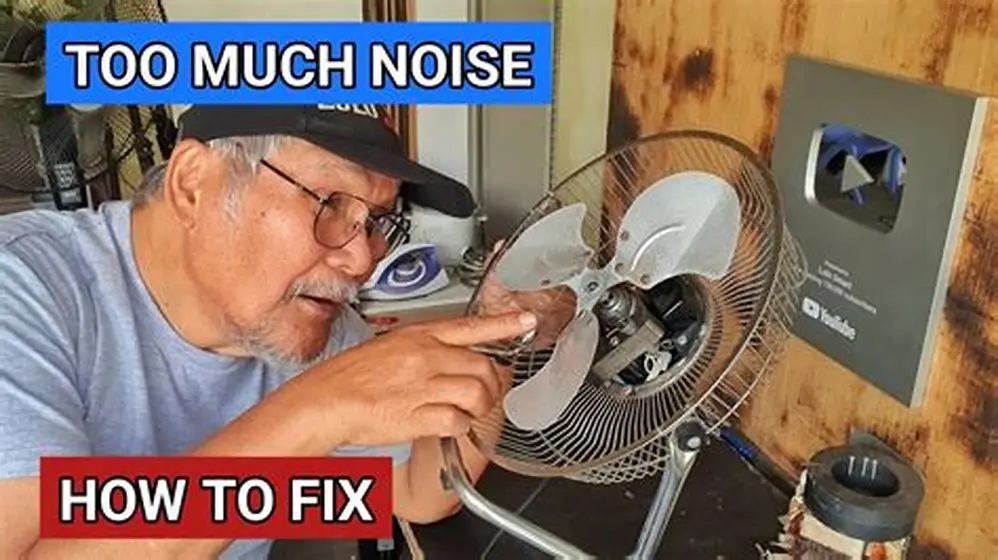
Turn off the fan before any inspection to avoid injury. Remove the cover or grille to access blades and motor. Look for dirt, dust, or debris on blades that cause imbalance. Clean them carefully with a soft cloth or vacuum. The other half of this decision is steam removal issues with bathroom fan.
Check blades for damage like cracks or warping. A bent blade shifts the balance and creates vibration noise that grows louder at boost speed. If you find damage, that blade will likely need replacement.
Manually spin the blades to feel for roughness or grinding in the motor bearings. Bearings in good condition rotate smoothly and silently. Any grinding or resistance indicates wear, causing noise at high rpm. That calls for motor repair or replacement.
- Turn off power and remove fan grille
- Visually inspect blades for dirt and damage
- Clean blades with vacuum or soft cloth
- Spin blades manually to check bearing smoothness
- Note any wobble or rough sounds

Digital Multimeter Voltmeter Battery Voltage Multi Tester Continuity Ohm Volt
Tests AC voltage and continuity to inspect fan motor power supply and winding continuity.
When to check mounting and power supply for boost speed noise
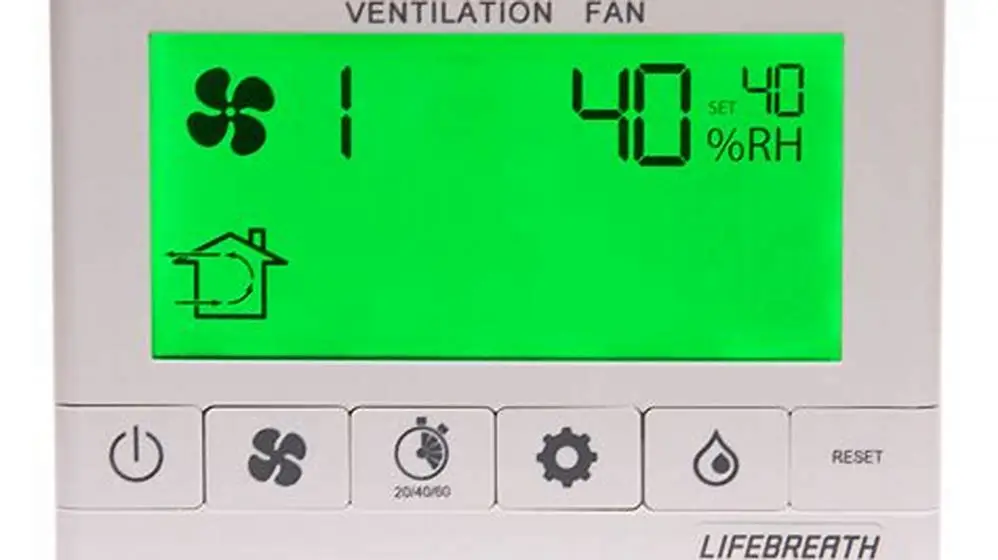
Next, inspect the mounting brackets and housing securing the fan motor. Loose mountings vibrate more at high speed, turning small rattles into loud noise on boost. Tighten any bolts or screws that hold the motor in place. If that sounds like your situation, read up on operating lifebreath ventilation fan next.
Examine the power supply to the fan motor. Boost speed draws more current, and voltage dips can cause the motor to hum or strain audibly. Use a multimeter to measure voltage stability while the fan runs on boost speed.
If the supply voltage fluctuates more than about 10% below the rated voltage during boost, the motor may suffer damage over time. In that case, an electrician should inspect the wiring or supply circuit.
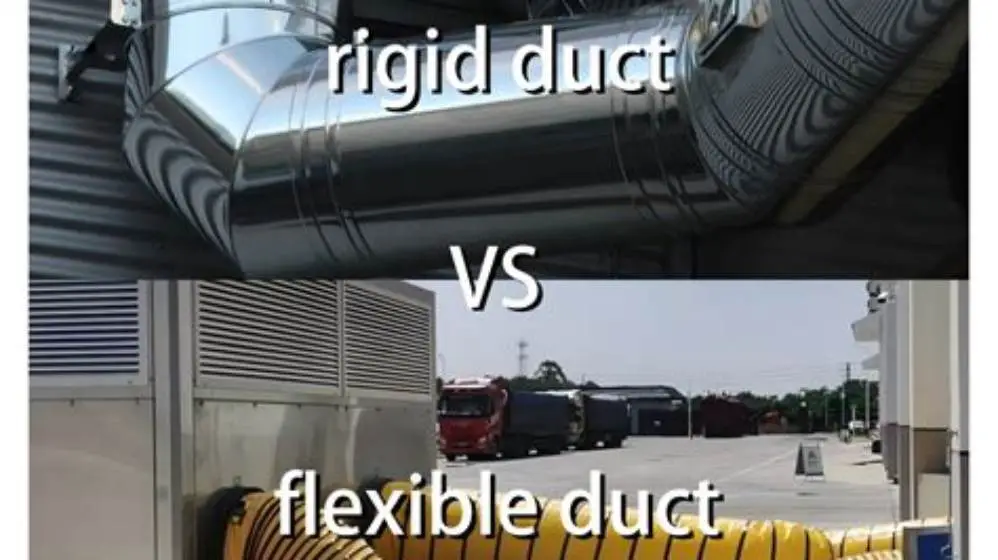
Mounting and power supply issues are less common but must be ruled out if cleaning and blade checks don’t stop the noise. Before you commit to anything, it is worth looking at mvhr duct options in small loft.
Whole house fan noisy only on boost speed: 3 checks to pinpoint the cause
Follow these 3 checks to diagnose noise unique to boost speed:
1. Inspect and clean fan blades. Dirt or damage causes imbalance, leading to vibration noise that rises sharply with speed.
2. Check motor bearing condition by spinning blades manually. Roughness signals bearing wear that gets noisy at high rpm. It helps to understand maintaining airflow with filters before going further.
3. Tighten mounting bolts and test power supply voltage during boost. Loose mountings add rattles; voltage dips cause hum and motor strain noise.
If these checks find no fault but noise persists, professional repair or motor replacement is needed.
- Remove fan grille and clean blades thoroughly
- Spin blades to check bearing smoothness
- Tighten motor mount bolts securely
- Measure voltage during boost speed with multimeter
- Call engineer if noise continues
| Cause | Noise Type | Test Method | Fix |
|---|---|---|---|
| Blade imbalance | Vibration, rattling | Visual, spin test | Clean/replace blades |
| Bearing wear | Grinding, humming | Manual spin | Motor repair or replace |
| Loose mounting | Rattling, shaking | Tighten bolts | Secure mountings |
| Power supply dip | Humming, strain noise | Voltage test | Electrician inspect wiring |
When to call an engineer for noisy boost speed fans
If cleaning blades and tightening mounts do not stop noise, the motor bearings or electrical components likely need professional attention. Motor noise at boost speed caused by worn bearings or electrical faults cannot be fixed by DIY. We cover how long should each ventilation last in its own article.
Persistent humming or grinding during boost points to motor wear or winding problems. If voltage tests show unstable supply, call an electrician to check the circuit. Running the fan under these conditions risks further damage and inefficiency.
A qualified engineer can diagnose motor faults, replace bearings or the entire motor, and ensure the power supply complies with UK regulations. Delaying repair risks a sudden fan failure that affects home ventilation and energy bills.
Call an engineer when mechanical checks fail to resolve noisy boost speed or multimeter readings show electrical instability.
How to inspect fan blades and motor at high speed safely
Inspecting fan blades and motor during operation helps identify noises, but it can be hazardous. Avoid touching anything while the fan runs. Use a flashlight and listen closely to localise noise sources.
High speed makes blades harder to observe directly. Instead, observe vibrations of the housing or grille. Note any abnormal shaking or rattles that increase with boost speed.
If safe, briefly turn the fan to boost speed with the cover off to identify noise origin. Stop immediately if any risk of injury arises.
You can mark blades with chalk or tape while the fan is off. When running on boost, blurry motion will reveal heavier or damaged blades.
Avoid attempting repairs with the fan live. Full disconnection is essential before cleaning or tightening.
Quick questions
Why does my whole house fan make noise only on boost speed?
Noise appears only on boost speed because higher rpm amplifies imbalances, bearing wear, looseness, or airflow disturbances. These faults are often silent or minimal at lower speeds.
How can I tell if the fan blades are causing the noise?
Inspect blades for dirt or damage and clean them. Spin blades manually to detect rough bearing noise. Imbalanced or damaged blades create vibration noise louder at boost.
What power supply issues cause boost speed noise?
Voltage drops or unstable supply cause the motor to hum or strain audibly at boost. Using a multimeter to test voltage during operation reveals supply problems.
When should I stop DIY and call an engineer?
Call an engineer if cleaning and tightening do not reduce noise, or if electrical tests show unstable voltage. Motor repairs require professional skills.
Is it safe to inspect the fan while it is running at boost speed?
Inspecting sound sources during operation is helpful but risky. Never touch blades and keep fingers clear. Use observation and sound localisation without physical contact.