Program your heat pump thermostat by following the model-specific menu to set heating schedule, temperature points, and system mode; wire according to the unit’s manual, matching colour-coded live, neutral and control cables, then test output by checking temperature response and system operation.
On this page
Part of our guide on ensuring compliance for heat pump installs
Quick facts
- Typical heating setpoint
- 18-22°C
- Response test time
- 15 minutes
- Standard wiring colours
- Live, neutral, signal
- Common thermostat power
- 230V mains
- System modes
- Heat, cool, auto
Quick recap
- Always turn off power before wiring the thermostat.
- Use the thermostat menu to set heating times and temperature.
- Test the thermostat by measuring output temperature change within 15 minutes.
- Common UK settings start with 18°C at night, 20-22°C by day.
- Label wires during installation to avoid confusion.
How to set and program a heat pump thermostat
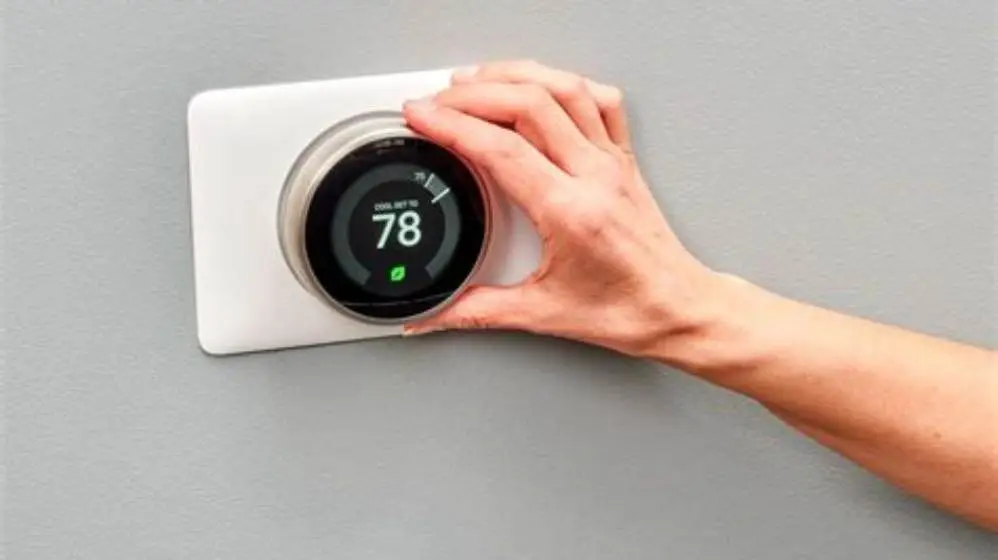
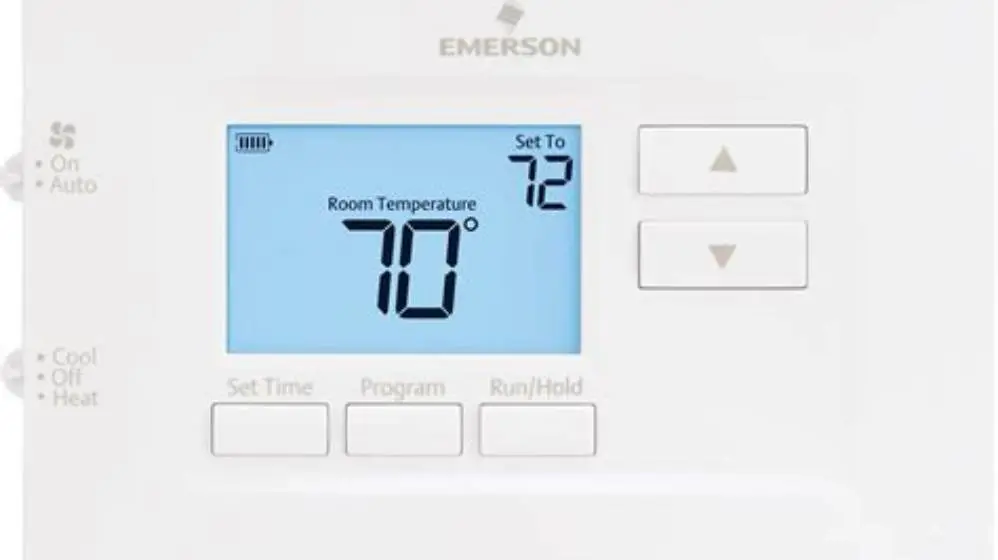
Start programming the heat pump thermostat by switching it on and entering the setup menu. The exact sequence differs by brand but usually involves holding a button like 'Menu' or 'Set' for 3-5 seconds. Programming focuses on setting heating periods, temperature targets and system modes.
Set the daily schedule by dividing the day into time blocks (morning, day, evening, night). For each block, assign a temperature, commonly 18°C at night and 20-22°C during active hours in UK homes. Avoid setting temperatures higher than 24°C to limit energy waste.
Use the thermostat’s interface to select the heat pump operation mode: 'Heat' for heating only, or 'Auto' to allow heating and cooling if your system supports it. Confirm and save the programming before exiting the menu.
- Turn on the thermostat and access the programming menu.
- Select the time period to program (morning, day, evening, night).
- Set the target temperature for each period, e.g., 18°C night, 21°C day.
- Choose the operation mode: heat, cool, or auto.
- Save settings and exit the menu.
Basic wiring instructions
Before wiring, isolate power at the main switch to avoid shocks. Confirm power removal with a voltmeter or test lamp. Wiring a heat pump thermostat typically involves three core connections: live (usually brown or red), neutral (blue or black), and a control wire to the heat pump’s external relay or controller. For the detail, see our notes on hot water recirculation retrofit plumbing checks.
Follow your thermostat’s wiring diagram exactly. Most UK heat pump thermostats use 230V mains for power and a low-voltage control signal for the heat pump. Use 1.0mm² or 1.5mm² twin-and-earth cable where required, depending on distance and load.
Label each wire before disconnecting the old thermostat or before installation if new. Connect live to L, neutral to N, and the control wire to the output terminal marked for heat pump control. Secure all terminals firmly to prevent loose contacts.
- Isolate mains power and confirm with a meter.
- Use correct cable size: usually 1.0-1.5mm² twin and earth.
- Match wires to thermostat terminals: L, N, control output.
- Label wires during disconnection to avoid errors.
- Use junction boxes if cables exceed 20 metres.

Infrared Thermometer Gun
Measures temperature accurately within ±1°C for testing thermostat output temperature rise.
How to test if the thermostat is working
Once wired and powered on, test thermostat function by setting a temperature higher than the room temperature to trigger heating. Within 15 minutes, check the heat pump or output device starts operating and the temperature at the outlet rises by at least 3°C. We go through smart thermostat setup guide step by step elsewhere on the site.
Use a digital thermometer or infrared surface thermometer to measure outlet temperature. If the heat pump fails to respond, recheck wiring and power supply. Sometimes the thermostat needs a reset after installation.
Check the thermostat display for error codes or status messages indicating connection or sensor issues. Consult the manual to interpret any fault codes.
- Power the system back on after wiring.
- Set thermostat to a heating temperature 3°C above current room temp.
- Wait 10-15 minutes and check if heat pump starts.
- Measure temperature at heat pump outlet; expect a 3°C or more rise.
- If no heat, check wiring and thermostat display for errors.
Common heat pump thermostat settings for UK homes
UK homes often set heating to 18°C overnight and 20-22°C during daytime hours. These settings balance comfort with energy saving and support typical EPC recommendations. Avoid overheating which wastes energy and reduces system lifespan. For the detail, see our notes on heat pump retrofit planning and compatibility.
Set the thermostat to operate heating only during occupied hours, typically 6-9am and 4-10pm. Use setback periods with lower temperature to save energy when the house is empty or occupants are sleeping.
Some thermostats offer weather compensation or adaptive learning features. These can improve efficiency but require correct location of the outdoor sensor and occasional calibration.
| Time period | Temperature °C | Purpose |
|---|---|---|
| Night (11pm-6am) | 16-18 | Prevent damp and frost damage |
| Morning (6am-9am) | 20-22 | Comfort waking hours |
| Day (9am-4pm) | 16-18 | Energy saving if unoccupied |
| Evening (4pm-10pm) | 20-22 | Comfort active hours |
How to program a heat pump thermostat
Programming a heat pump thermostat requires inputting your desired temperature schedule and system mode. Start by setting the current time and date to ensure scheduling works correctly. We go through short cycling at low load step by step elsewhere on the site.
Next, program the daily heating periods, usually morning, day, evening and night, with temperatures matching your lifestyle and energy goals. Ensure each time block starts immediately after the previous one ends for smooth transitions.
Select the system mode. 'Heat' mode activates heating only, 'Cool' mode activates cooling only, and 'Auto' switches between modes as ambient temperature changes, useful for reversible heat pumps.
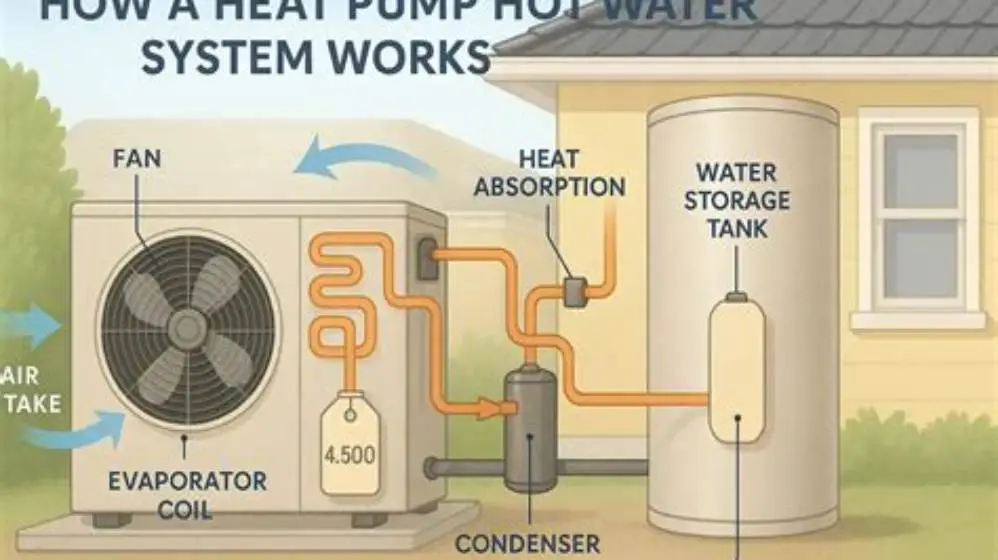
Save your settings and observe the thermostat for a few days, adjusting if rooms feel under or overheated. It helps to understand how heat pump hot water system works before going further.
- Set current time and date on thermostat.
- Input heating periods with start and end times.
- Assign temperatures to each period.
- Choose system mode: heat, cool, or auto.
- Save settings and monitor performance.
Troubleshooting common issues with heat pump thermostats
If the heat pump does not respond to thermostat changes, check wiring connections and ensure power is on. Loose or incorrect terminals are the most frequent cause of failure.
A thermostat that shows incorrect temperature readings may have a faulty or poorly located sensor. Move the thermostat away from heat sources or drafts and replace the sensor if needed.
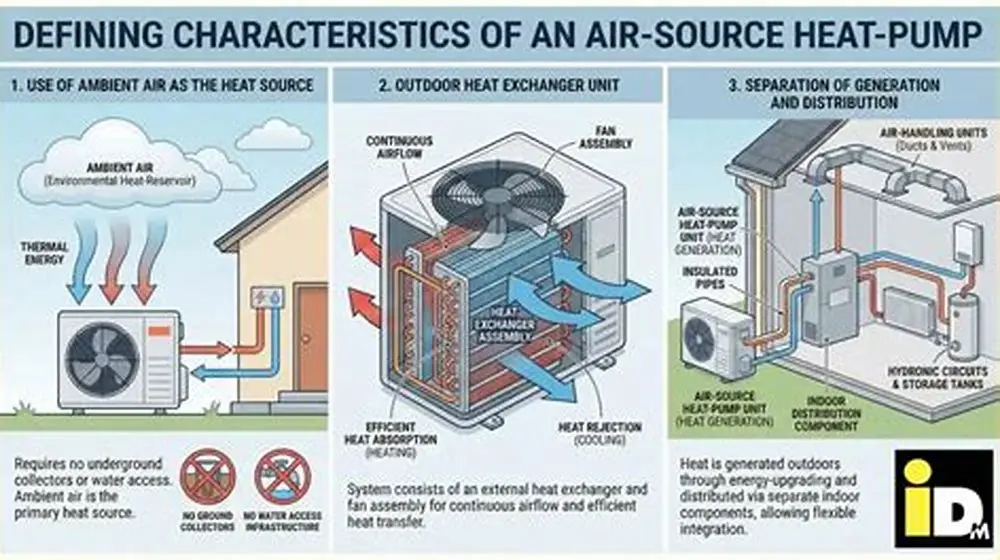
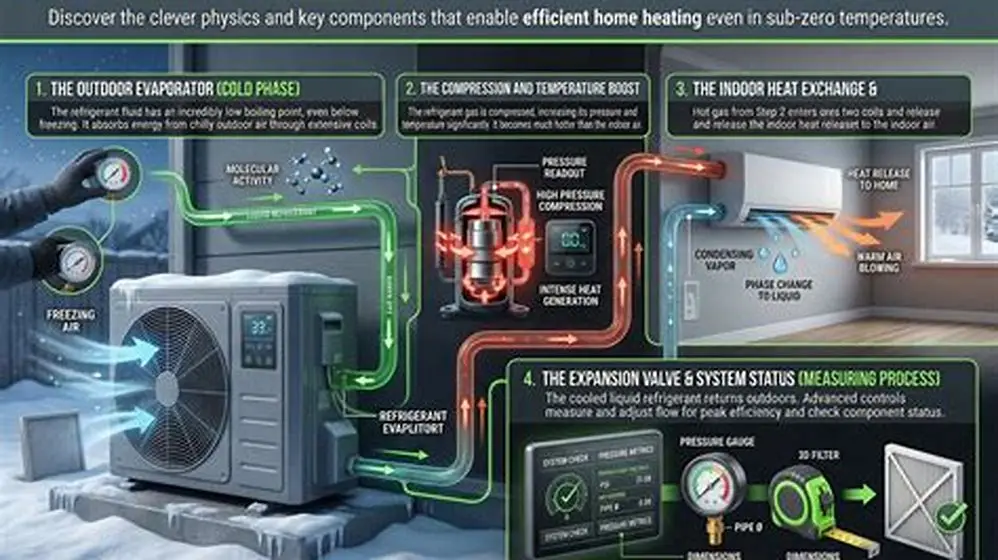
If the system cycles on and off rapidly, this can indicate incorrect temperature differential settings or a poor match between thermostat and heat pump compatibility. Before you commit to anything, it is worth looking at how does a heat pump extract heat from cold air.
Reset the thermostat to factory defaults if settings appear corrupted or unknown fault codes appear, then reprogram from scratch.
- Check all wiring terminals for tightness.
- Relocate thermostat if near heat sources.
- Consult manual for compatible thermostat models.
- Reset and reprogram if unpredictable behaviour continues.
Quick questions
Can I program the thermostat remotely for my heat pump?
Many modern heat pump thermostats have Wi-Fi and app support allowing remote programming. Check your model’s features, installation instructions, and secure your network to prevent unauthorized access.
What temperature should I set my heat pump thermostat for energy saving?
Set night temperatures around 16-18°C and daytime around 20-22°C. Lowering your thermostat by 1°C can reduce heating bills by approximately 10%.
How do I know which wires connect to the heat pump from the thermostat?
Refer to the installation manual and look for labelled wires: live (L), neutral (N), and control output. Use a multimeter to verify voltage before connection.
Why does my heat pump thermostat not turn on the heating?
Common reasons include incorrect wiring, lack of power, thermostat battery failure, or a fault in the heat pump itself. Testing wiring and resetting the thermostat often resolves the issue.
Can I use a standard thermostat with my heat pump?
Standard thermostats may not support heat pump-specific features like defrost cycles. Use a thermostat rated for heat pumps to ensure correct operation and efficiency.